
Unique ID Generator is an all-in-one solution that automates property creation on Company or Deal
objects in HubSpot. It simplifies entity management and enhances workflow
efficiency.
Whether you need to generated numbers for easy referencing and categorization
or desire flexibility in customizing the numbering system according to specific requirements,
Unique ID Generator has got you covered.
For example, your first deal may be 1. When you
create another deal, it becomes 2, and so on. It’s as simple as that.
How the APP is going to change the property value


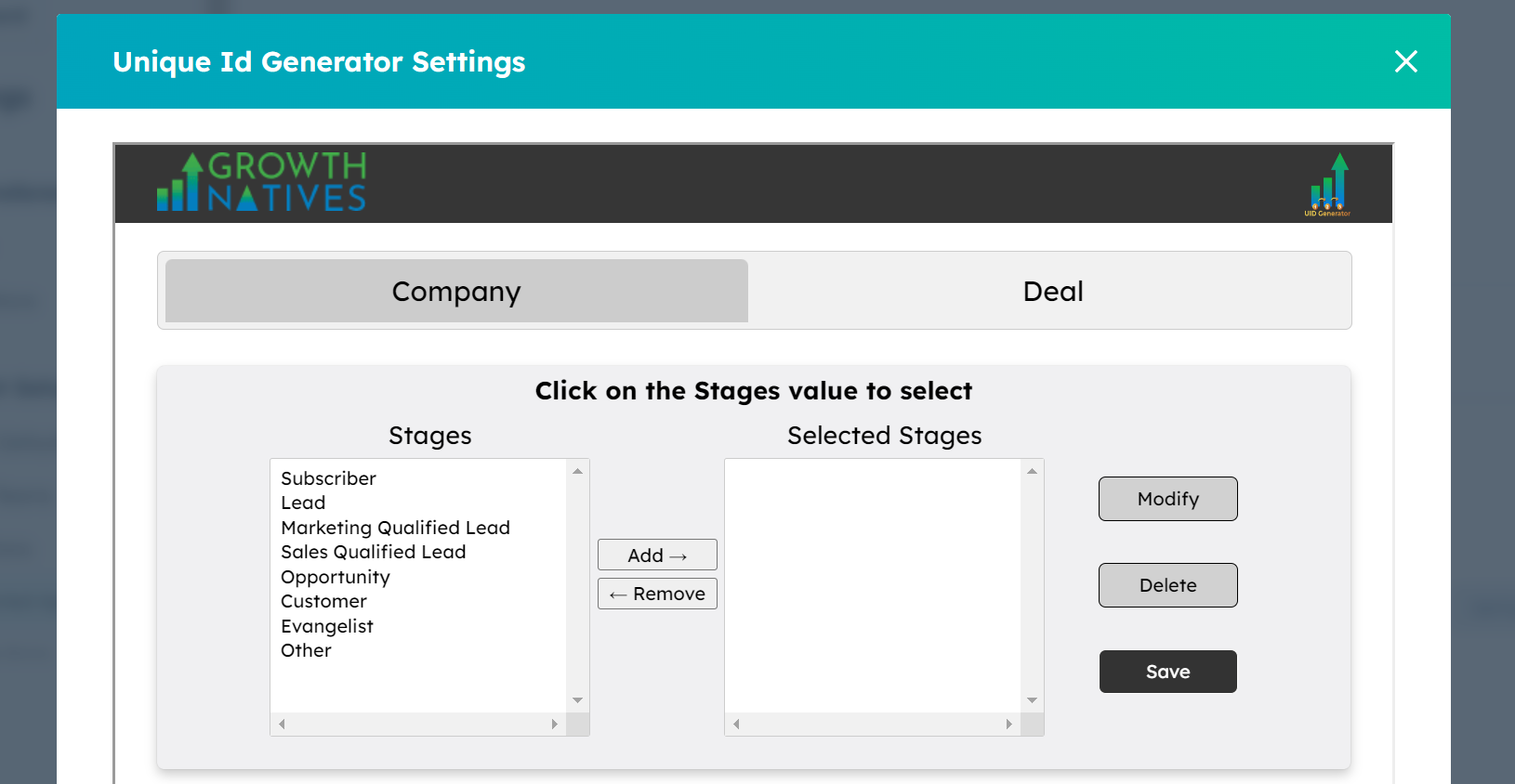
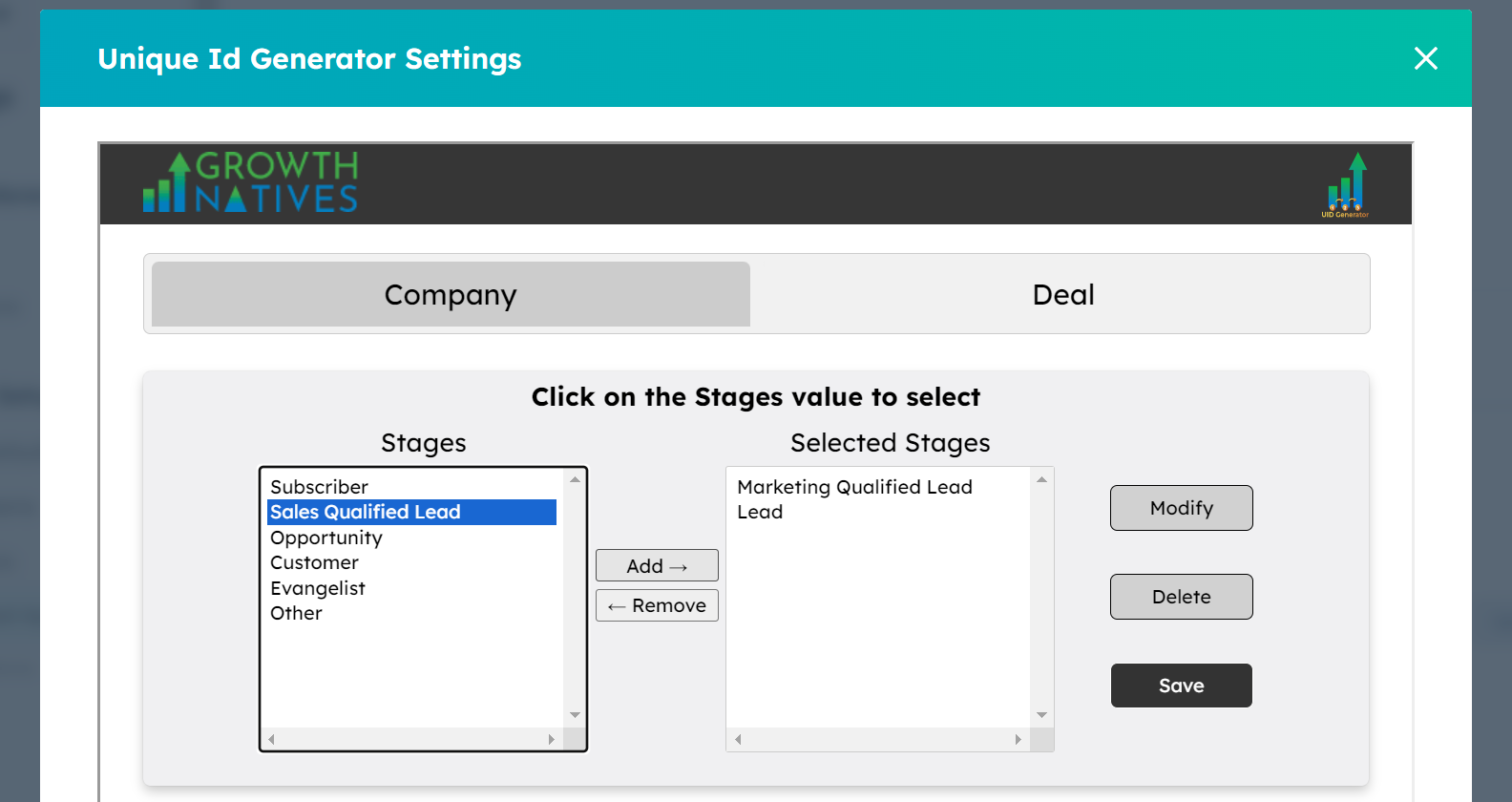
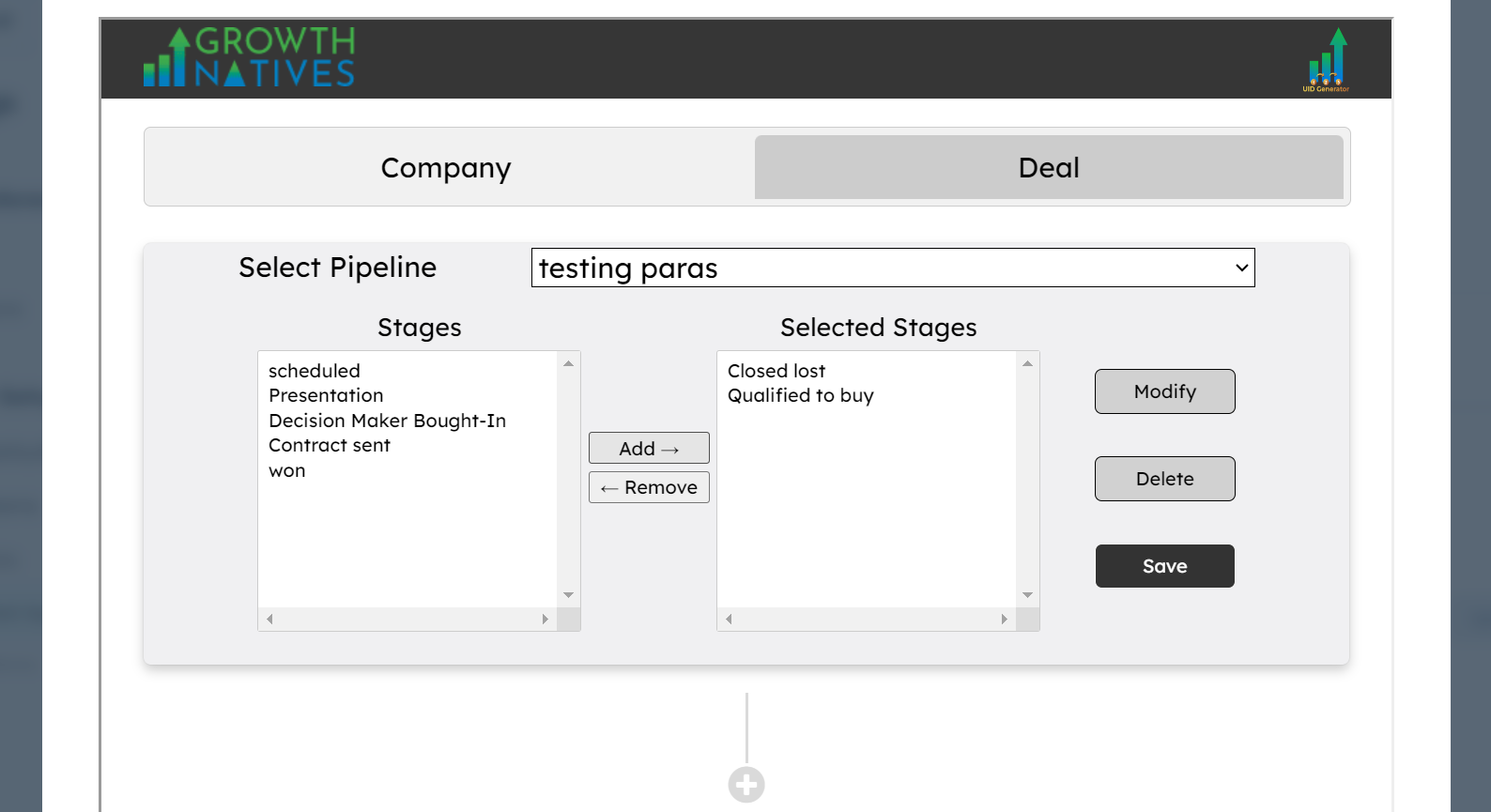
The APP will read the Company lifecycle stages and Deal Pipelines and corrosponding pipelines stages for Company and deal objects in HubSpot respectively and on the basis of that it will create a new property in HubSpot and sequential numbers are provided on this created property.
Consideration for Successful Integration
For this integration to work correctly, it is crucial to have the following considerations.
-
Grant the necessary permissions for the Unique ID Generator app to access and modify data within your HubSpot environment. Check and adjust permissions as needed for seamless functionality.
-
Plan the integration during periods of lower data activity to minimize disruption, especially if performing bulk updates or importing new data.
-
To get the appropriate results while importing data, please click on the update the data(CTA) to make results accurate.
-
There should be no prefilled value in "Unique ID (Pipeline Name)".
-
If a pipeline is selected in the App Settings page, refrain from updating its name in HubSpot. If you wish to change its name, delete the old pipeline from both the App and HubSpot accounts. Then, create a new pipeline. This newly created pipeline will be visible in the App Settings page.
How to Integrate HubSpot With Unique ID Generator
To integrate this powerful tool seamlessly, follow the simple steps below and empower your HubSpot experience with normalized and streamlined data representation.
Step 1: Log into your HubSpot account that you want to connect with the app.
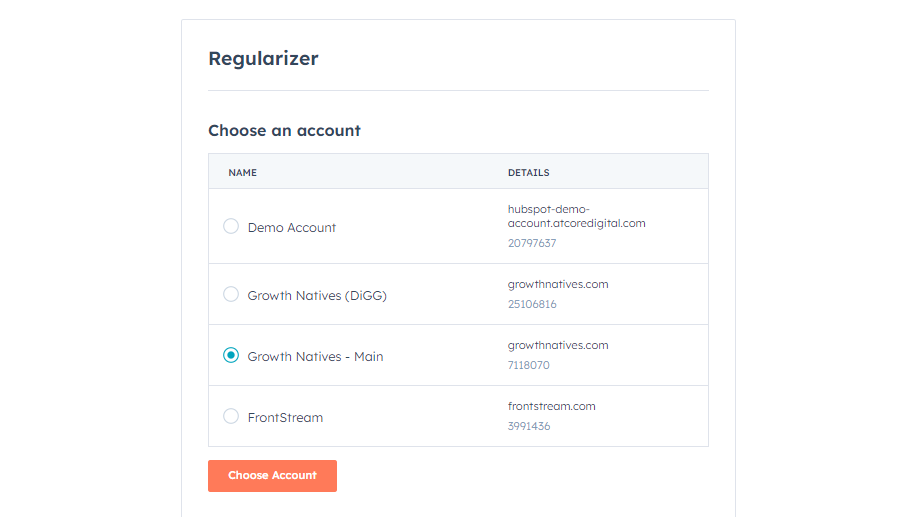
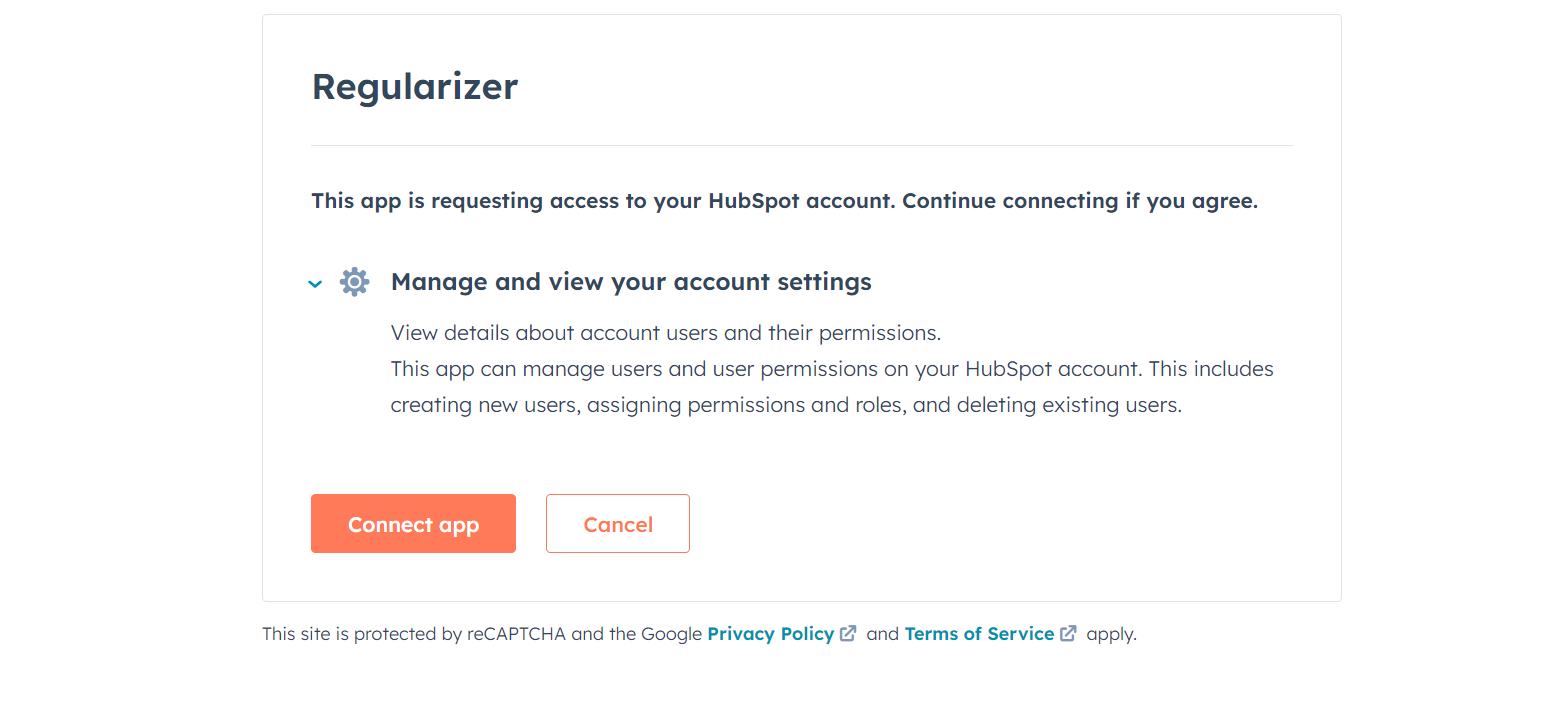
Step 2: Click on the ‘Connect App’ button to establish the connection.
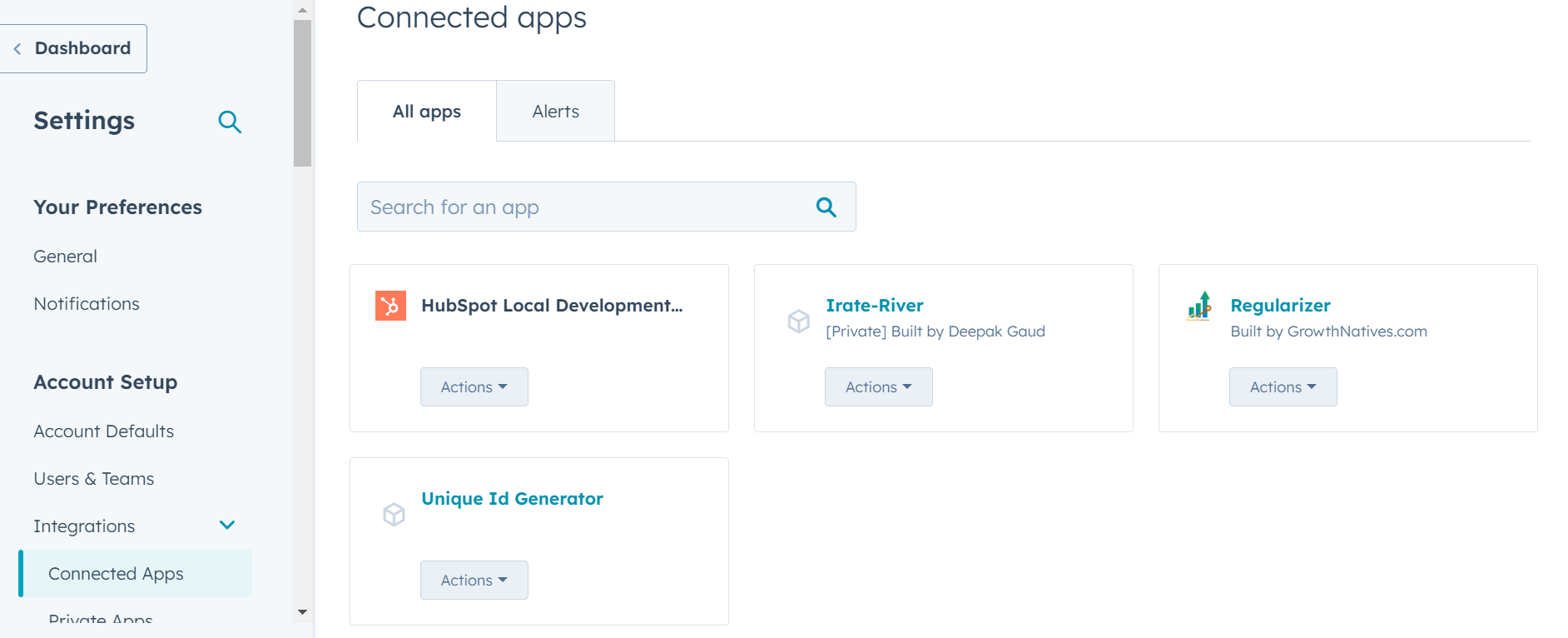
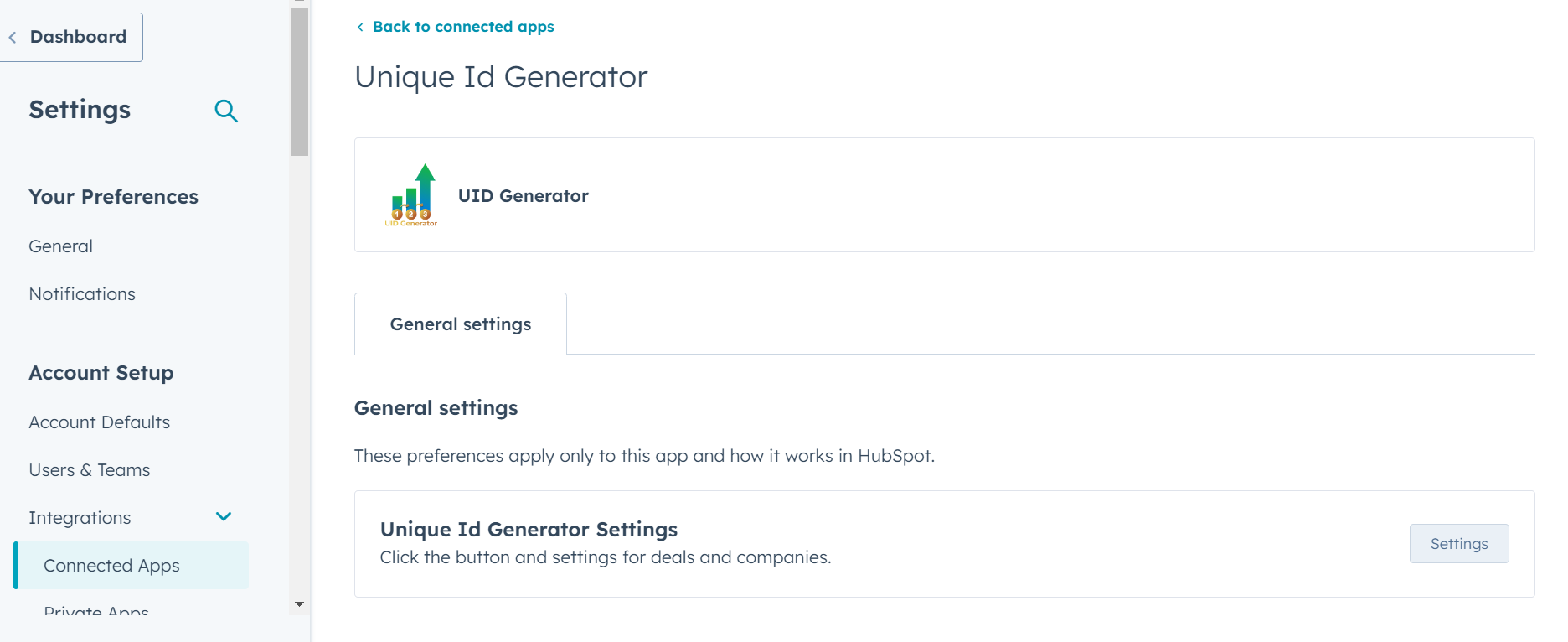
Step 3: Go to the connected apps and select the Unique ID Generator app and Navigate to the settings of the app.
Step 4: Select from the various options available & configure the settings according to your requirements.
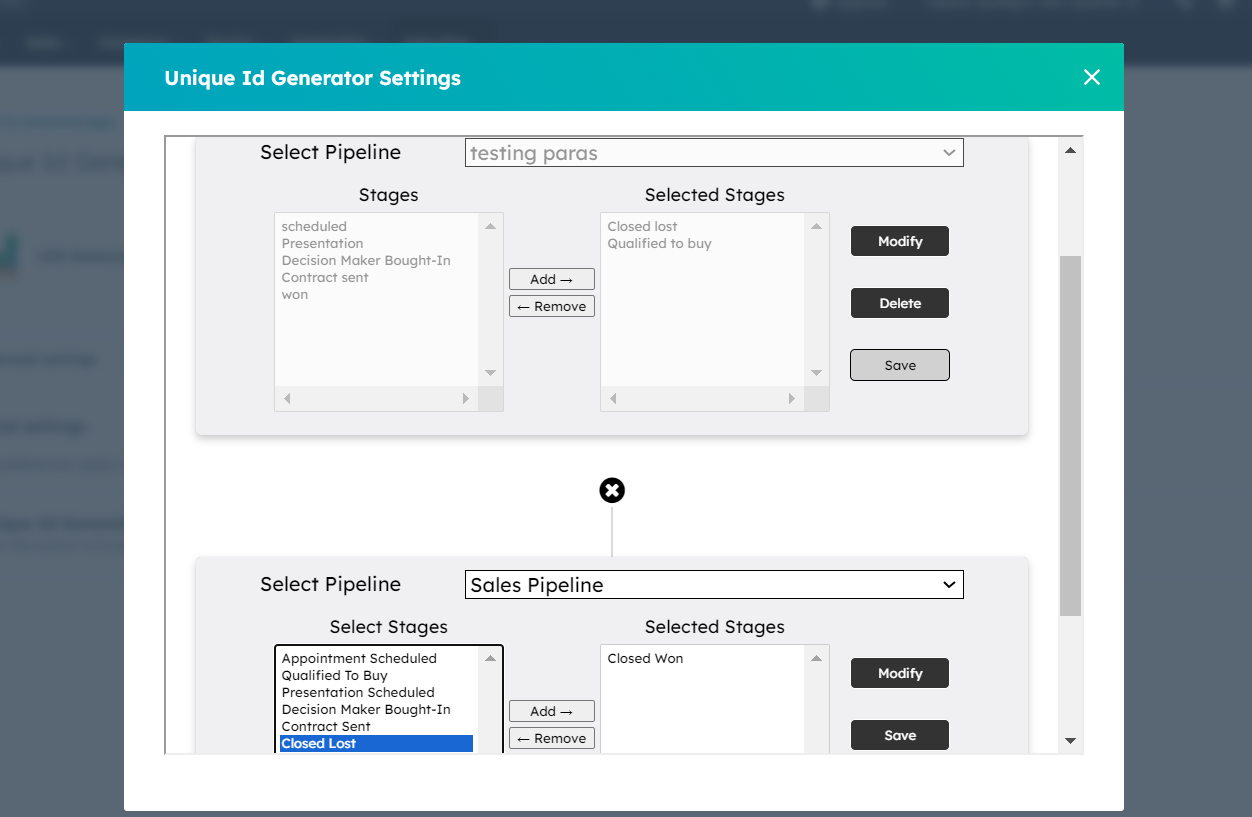
And voila! Your HubSpot integration has been installed. You can start using it now.